AI White Background — Clean Pure White Studio Backdrop
Turn any photo’s background into a clean pure white studio backdrop for listings and documents.
Create or edit your image
Source images
Create a free account and get free credits to try it.
Your result
Upload your photos and hit generate.
- Free credits on signup
- Failed generations refunded
- Commercial use allowed
AI White Background results
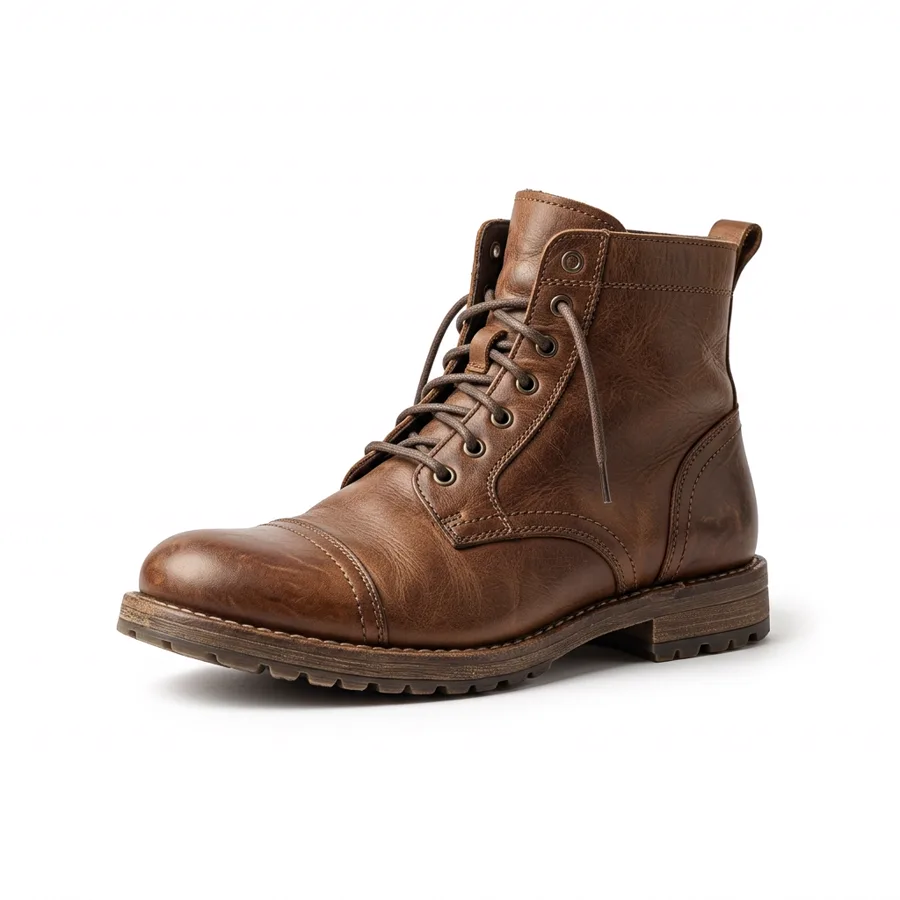
A real generation from this tool. Your photos decide the people; the prompt decides the scene.
Marketplace listings
Amazon, Etsy and most marketplaces want a pure white background. This produces one without a lightbox.
CVs and ID-style photos
A clean neutral background for documents that specify one.
Printed catalogues
Consistent white backgrounds across a whole product range shot in different rooms.
Who should use AI White Background
The people who get the most out of this tool, and why.
Online sellers
Small sellers who photograph stock at home and need listing-ready images.
Resellers and dropshippers
Cleaning up supplier photos before they go on your own storefront.
Anyone filing paperwork
When the form says "plain background" and your photo does not have one.
AI White Background features
What the tool handles for you, and what it deliberately leaves alone.
Precise cut-out
Stray hair, thin straps and fabric edges are separated cleanly from the original background.
Studio-grade fill light
The subject is relit to match the new backdrop, and a subtle contact shadow puts them on the surface instead of floating.
Subject untouched
Face, expression, pose and clothing stay exactly as shot — only the background changes.
Clean at listing size
Even white and neutral backgrounds that pass marketplace image requirements without manual retouching.
HD output on demand
Switch on HD to run a heavier model for sharper detail. It costs more credits, and the price is shown before you click.
Pay only for results
A credit is taken when a generation starts and returned automatically if the model fails or refuses the request.
Private by default
Your photos are used to produce your image and nothing else. Free-tier files are deleted from storage after seven days.
Commercial use
Anything you generate is yours to use in client work, ads, listings or print, with no attribution required.
How to use AI White Background
Four steps, about thirty seconds of your time.
- 01
Upload the photo
A product or portrait shot with the subject clearly separated from the old background.
- 02
Choose the setting
Pure white studio, lifestyle surface or outdoor scene.
- 03
Generate
The subject is cut out precisely and relit to match the new backdrop.
- 04
Check the edges
Zoom in on hair and thin edges before using the image on a listing.
Everything you need to know about AI White Background
The details that decide whether a result looks real.
Pure white means #FFFFFF, not light grey
Marketplace checkers sample the corners of the image. A soft grey gradient fails even though it looks white to the eye. This tool targets an even fill across the frame with a subtle contact shadow under the subject, which keeps it from looking like a cut-out.
Where it struggles
Transparent, reflective or white-on-white products — glass, jewellery, white trainers — give the model almost no edge to work with. Shoot them against a contrasting surface first, then convert.
Related tools
Same editor, different intent.
Photo Collage Maker
Arrange two or more photos into a polished collage you would actually post.
AI Image Extender
Expand one photo into covers, posters, and social layouts without visible seams.
Lofi Dusk Filter
Apply a moody lofi dusk grade to a portrait without changing the person.
AI Product Background Changer
Replace product photo backgrounds with clean studio or lifestyle scenes.
Photo to Video AI
Bring a still photo into motion as a short clip.
GIF Frame Editor
Upload an animated GIF to preview, reorder or remove frames, and change timing in your browser.
AI White Background FAQ
Does it remove the background completely?+
It replaces it with a pure white studio backdrop, including a soft shadow so the subject sits on a surface rather than floating.
Will my product change colour?+
No. The subject is relit evenly but its colour and detail are kept. If a shift appears, regenerate.
How large is the output?+
1024 pixels on the standard setting, larger with HD, which is enough for most marketplace requirements.
Does it work for people as well as products?+
Yes, and it handles stray hair better than a simple background remover because the model redraws the edge rather than cutting it.
Create a realistic result with AI White Background
Sign up free and get credits to try it — no card required.