Photo Collage Maker — Combine Photos into a Clean Layout
Arrange two or more photos into a polished collage you would actually post.
Create or edit your image
Source images
Create a free account and get free credits to try it.
Your result
Upload your photos and hit generate.
- Free credits on signup
- Failed generations refunded
- Commercial use allowed
Photo Collage Maker results
A real generation from this tool. Your photos decide the people; the prompt decides the scene.
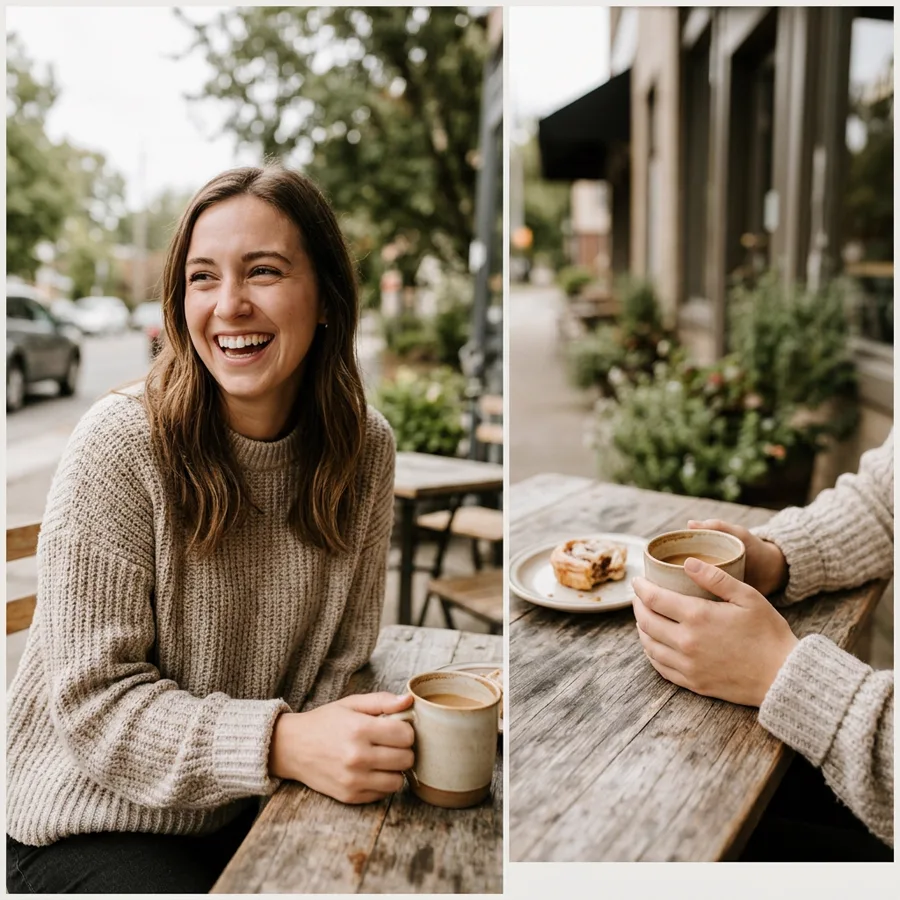
A trip recap in one frame
Two or more photos from the same trip arranged so the set reads as one story.
Event summaries
A clean layout for a birthday or launch instead of a grid of unmatched phone photos.
Portfolio spreads
Consistent margins and one colour grade across every panel.
Who should use Photo Collage Maker
The people who get the most out of this tool, and why.
Social creators
Posts that need to look composed without time in a design tool.
Small brands
Recap posts and lookbooks built from phone photography.
Anyone who hates aligning grids manually
No dragging panels, no guessing at margins.
Photo Collage Maker features
What the tool handles for you, and what it deliberately leaves alone.
Balanced composition
Subjects are weighted before spacing and margins, so the layout reads calmly rather than as a grid of unrelated crops.
Consistent colour grade
One grade runs across every panel, so photos from different days still look like a set.
Nothing distorted
Faces and proportions are never squashed to fit a cell.
Style presets
Minimal, vibrant, soft or modern — pick a direction, then refine it with a sentence.
Every common ratio
Square, portrait, landscape, story, 4:3 and 3:4 — chosen before the generation, so you never crop a finished image.
HD output on demand
Switch on HD to run a heavier model for sharper detail. It costs more credits, and the price is shown before you click.
Pay only for results
A credit is taken when a generation starts and returned automatically if the model fails or refuses the request.
Commercial use
Anything you generate is yours to use in client work, ads, listings or print, with no attribution required.
How to use Photo Collage Maker
Four steps, about thirty seconds of your time.
- 01
Upload your photos
Two or more shots from the same trip or event.
- 02
Pick a style
Minimal, vibrant, soft or modern.
- 03
Describe the mood
Optional, but it helps direct spacing and colour.
- 04
Generate and compare
Small prompt changes produce noticeably different layouts.
Everything you need to know about Photo Collage Maker
The details that decide whether a result looks real.
Why AI collages beat template tools here
A template tool aligns rectangles; it cannot reconcile colour. When photos are shot in different light, a grid still looks like two photos. This tool grades the panels together so the result reads as a designed piece.
Choosing a style before a prompt
Style chips set spacing and colour direction. Prompts work better as mood words — "warm diary", "minimal spacing" — than as layout instructions.
Related tools
Same editor, different intent.
AI Image Extender
Expand one photo into covers, posters, and social layouts without visible seams.
Lofi Dusk Filter
Apply a moody lofi dusk grade to a portrait without changing the person.
AI White Background
Turn any photo’s background into a clean pure white studio backdrop for listings and documents.
AI Product Background Changer
Replace product photo backgrounds with clean studio or lifestyle scenes.
Photo to Video AI
Bring a still photo into motion as a short clip.
GIF Frame Editor
Upload an animated GIF to preview, reorder or remove frames, and change timing in your browser.
Photo Collage Maker FAQ
How many photos can I use?+
Two per generation on this page. For more, generate a pair, then combine the results.
Will it crop my photos badly?+
The model weights subjects before spacing, so faces are kept whole. Check tight crops on the output before you post.
Can I control the layout?+
You can direct the mood and density in the prompt, but not pixel-exact placement. Regenerate if the balance is off.
Is the output print quality?+
Standard is 1024 pixels, which is fine for social. Use HD for print.
Create a realistic result with Photo Collage Maker
Sign up free and get credits to try it — no card required.