Image to Prompt Generator — Reverse-Engineer Any Image
Upload an image and get a detailed prompt that recreates a similar picture.
Create or edit your image
Source images
Create a free account and get free credits to try it.
Your result
Upload your photos and hit generate.
- Free credits on signup
- Failed generations refunded
- Commercial use allowed
Image to Prompt Generator results
A real generation from this tool. Your photos decide the people; the prompt decides the scene.
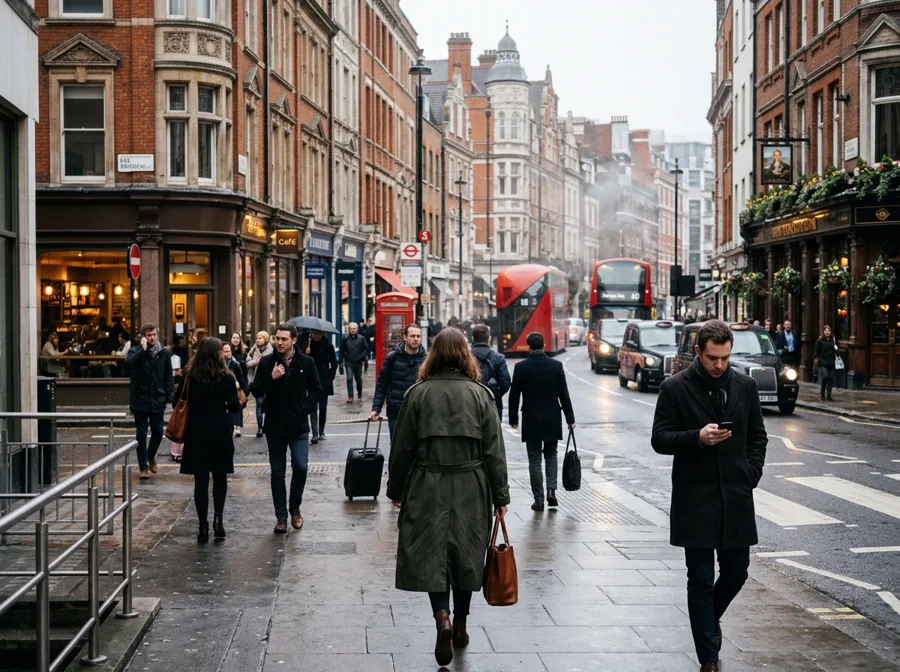
A quick result without editing software
Upload a photo and describe what you want. Image to Prompt Generator handles the compositing, lighting and blending that would otherwise take an hour in a desktop editor.
Consistent output across several images
The same preset and style produce the same treatment every time, which is what makes a set of images look like a set.
Testing an idea before committing
See the result in ten seconds, adjust the direction, and generate again — cheaper than a reshoot.
Who should use Image to Prompt Generator
The people who get the most out of this tool, and why.
People who are not photo editors
No layers or masks; one sentence of direction replaces the tooling.
Small businesses
Marketing images without booking a photographer.
Creators on a deadline
Assets turned around the same day.
Image to Prompt Generator features
What the tool handles for you, and what it deliberately leaves alone.
Reverse-engineered prompts
The model reads composition, lighting, lens and mood, then writes it back as a reusable text prompt.
Plain text output
One paragraph you can paste into any generator, no markdown or labels to clean up.
Pay only for results
A credit is taken when a generation starts and returned automatically if the model fails or refuses the request.
How to use Image to Prompt Generator
Four steps, about thirty seconds of your time.
- 01
Upload an image
Anything you want to recreate in another generator.
- 02
Generate
Takes a few seconds; output is text, not an image.
- 03
Copy the prompt
Paste it into your own tool and refine from there.
Everything you need to know about Image to Prompt Generator
The details that decide whether a result looks real.
What Image to Prompt Generator is optimised for
Describe this image as a reusable generation prompt.
What limits the result
Source quality decides most of it. Start with Reference image that is sharp, evenly lit, and free of heavy filters — the model can only preserve detail that exists in the original.
Related tools
Same editor, different intent.
Nano Banana 2 Generator
Full-quality Gemini image model for high-fidelity edits and blends.
Nano Banana Lite Generator
Fast, low-cost image edits with the lightweight Gemini model.
GPT Image 2 Generator
Generate and edit images with OpenAI’s GPT Image 2 through OpenRouter.
Grok Image 2 Generator
Generate and edit images with Grok Image 2 through OpenRouter.
AI Photo Editor Prompts
Free movie poster, Gemini, and nostalgia photo prompts you can copy.
Image to Prompt Generator FAQ
How long does a generation take?+
Around ten seconds for a standard image, longer for HD.
Do failed attempts cost a credit?+
No — the credit is returned automatically if the generation fails.
Can I use the result commercially?+
Yes, generated images are yours to use.
What file types are supported?+
JPG, PNG and WebP up to 10 MB per image.
Create a realistic result with Image to Prompt Generator
Sign up free and get credits to try it — no card required.